Best Offline PDF Redaction Software Desktop Free (2026)
📑 Table of Contents
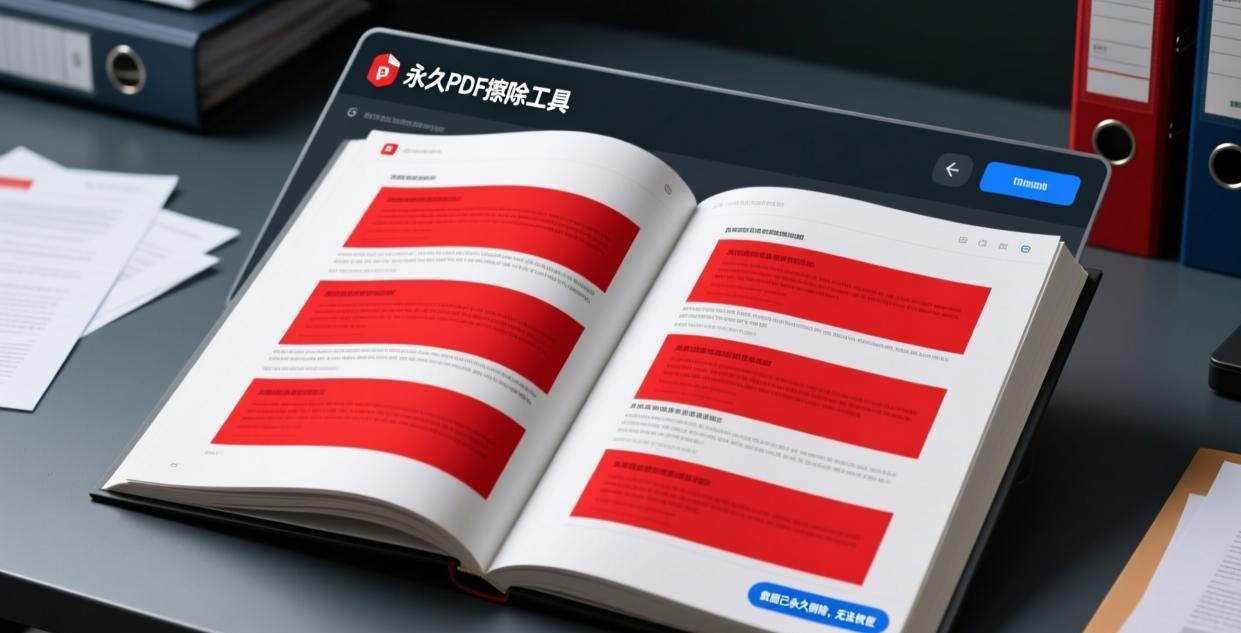
Redacting a PDF isn’t the same as deleting text or drawing a black box over it. True redaction permanently removes the underlying data so it can never be recovered. If you just cover text with a black rectangle, anyone can remove the rectangle and read what’s underneath.
This guide covers 5 free offline tools that perform true PDF redaction — your sensitive data stays on your computer and is permanently removed from the document.
Why True Redaction Matters
High-profile redaction failures have exposed:
- Legal documents — names, addresses, and financial details revealed by removing black boxes
- Government records — classified information exposed when “redacted” PDFs were opened in text editors
- Medical records — patient data visible beneath supposedly redacted areas
The difference between hiding and redacting:
| Method | Visual Effect | Underlying Data | Recoverable? |
|---|---|---|---|
| Black rectangle overlay | Text hidden | Still present | Yes — remove rectangle |
| White text color | Text invisible | Still present | Yes — change font color |
| True redaction | Text removed | Permanently deleted | No |
If you’re redacting for legal compliance (HIPAA, GDPR, FOIA), only true redaction is acceptable.
Top 5 Free Offline PDF Redaction Tools
| Tool | Platforms | True Redaction | Auto-Detect Patterns | Batch | Free Tier |
|---|---|---|---|---|---|
| PDFgear | Win / Mac | Yes | No | Yes | Unlimited |
| PDF24 Creator | Windows | Yes | No | No | Unlimited |
| LibreOffice Draw | Win / Mac / Linux | Partial | No | No | Unlimited (open source) |
| Open Redact (open source) | Win / Mac / Linux | Yes | Yes (regex) | Yes | Unlimited (open source) |
| PDF Studio | Win / Mac / Linux | Yes | Yes | Yes | Watermark on free tier |
#1 Pick: PDFgear — Best Free Redaction Tool
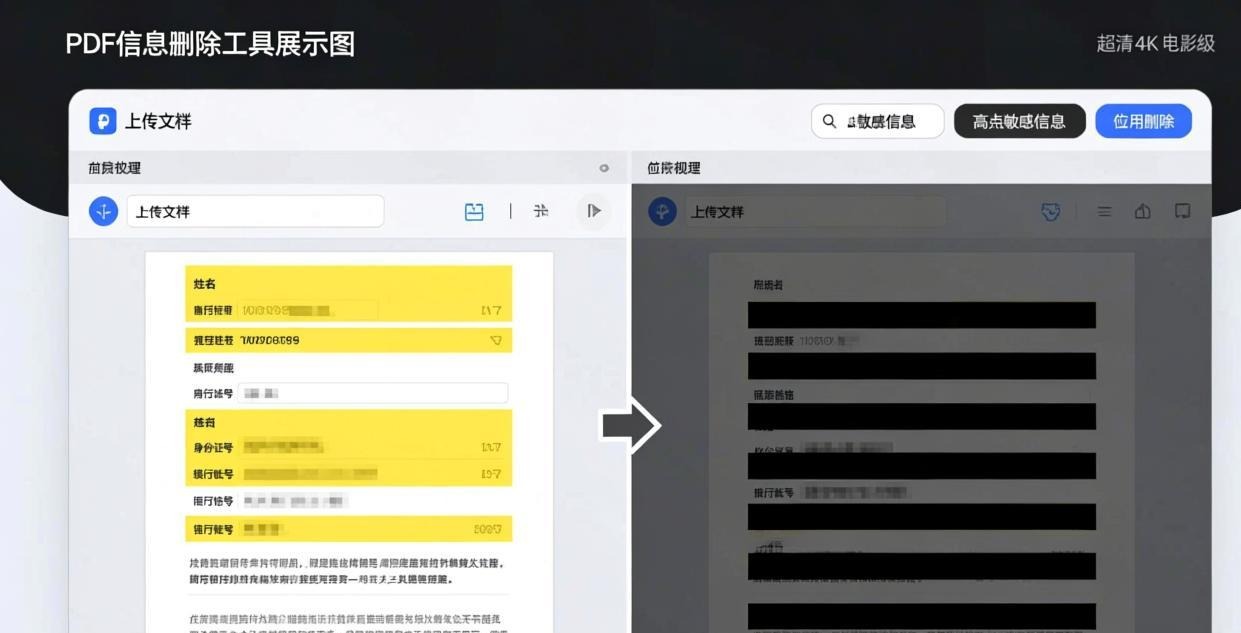
PDFgear provides a proper redaction tool that permanently removes text and images from PDFs. It’s the best free option for most users.
How to redact with PDFgear:
- Open the PDF in PDFgear
- Click “Protect” → “Redact”
- Select the area you want to redact by drawing a rectangle
- Choose redaction appearance (black fill, white fill, or custom)
- Click “Apply Redactions”
- PDFgear permanently removes the underlying content
- Save the redacted PDF
Key features:
- Page-level redaction — redact entire pages at once
- Search and redact — find specific text and redact all instances
- Custom appearance — black, white, or colored fill; optional overlay text (“REDACTED”)
- Batch redaction — apply the same redaction pattern to multiple files
For more PDFgear features, see our Best Free Offline PDF Editor for PC guide.
#2 Pick: Open Redact — Best for Pattern-Based Redaction
Open Redact is a free, open source tool that automatically detects and redacts common patterns like Social Security numbers, credit card numbers, email addresses, and phone numbers.
Supported patterns:
- SSN: XXX-XX-XXXX
- Credit cards: XXXX-XXXX-XXXX-XXXX
- Email addresses
- Phone numbers (US and international formats)
- Custom regex patterns
Step-by-step:
- Install Open Redact (Python required:
pip install open-redact) - Run:
open-redact input.pdf --patterns ssn,email,phone - The tool scans the PDF, finds matching patterns, and applies redaction
- Review the redacted file to verify accuracy
- Save the final version
This is the fastest method for documents with lots of structured sensitive data. A 50-page legal document with SSNs and emails throughout can be redacted in under a minute.
#3 Pick: PDF24 Creator — Simple Manual Redaction
PDF24 Creator offers basic redaction functionality through its editing tools. While it doesn’t have auto-detection, it provides a reliable manual redaction workflow.
How to use:
- Open PDF24 Creator and load your PDF
- Click “Edit PDF”
- Select the “Redact” tool
- Draw rectangles over the areas to redact
- Click “Apply” to permanently remove the content
- Save the redacted file
PDF24’s redaction is proper — it removes the underlying data, not just covers it. However, it lacks the search-and-redact and auto-detection features of PDFgear and Open Redact.
Redaction Best Practices
1. Always Verify Redaction
After redacting, open the PDF in a text editor (Notepad) and search for the “redacted” text. If it’s truly redacted, the text won’t appear anywhere in the file.
2. Redact Before Sharing
Apply redaction before converting, compressing, or sharing the PDF. Some operations may inadvertently preserve “hidden” content.
3. Check Metadata
PDF metadata (author, creation date, edit history) may contain sensitive information. Remove metadata separately using PDF24 or PDFgear’s metadata cleaning tools.
4. Use Search and Redact
For documents with repeated sensitive terms (names, ID numbers), use the search-and-redact feature instead of manually finding each instance. This ensures you don’t miss any occurrences.
5. Keep the Original
Always keep an unredacted copy in a secure location. Redaction is permanent — once applied, the data cannot be recovered.
For password protection after redaction, see our Best Offline PDF Password Remover guide.
For more details, check out our PDF password protector guide.
For more details, check out our check PDF permissions guide.
Frequently Asked Questions
What’s the difference between blacking out text and redacting?
Blacking out text (drawing a black rectangle over it) only hides the text visually — the underlying data is still in the PDF file and can be recovered by removing the rectangle. True redaction permanently deletes the data from the file.
Can redacted text be recovered?
No. True redaction permanently removes the text and image data from the PDF. Once applied, the information is gone and cannot be recovered by any means.
How do I verify that redaction worked?
Open the redacted PDF in a plain text editor (Notepad, TextEdit) and search for the text that was supposed to be redacted. If the text doesn’t appear, the redaction was successful. Also try selecting the redacted area — if nothing is selectable, the content has been removed.
Can I redact specific words or phrases automatically?
PDFgear supports search-and-redact — enter the text you want to redact and it finds and redacts all instances. Open Redact can detect common patterns (SSN, credit card, email) automatically using regex.
Is free PDF redaction software reliable for legal documents?
PDFgear and PDF24 both perform true redaction that meets legal standards. However, always verify the redaction by checking the file in a text editor before submitting legal documents. For high-stakes legal redaction, consider having the result verified by a professional.
How do I redact metadata from a PDF?
Use PDF24 Creator’s “Remove metadata” tool or PDFgear’s metadata cleaning feature. This removes author names, creation dates, edit history, and other potentially sensitive information from the PDF’s properties.
📖 Recommended Reading
Best Offline PDF Repair Tool Free — Fix Corrupted PDFs (2026)
5 free offline PDF repair tools. Fix corrupted headers, broken cross-references, and damaged pages.
Best Offline PDF Password Protector Desktop Free (2026)
5 free offline PDF password protectors. Set open passwords and editing restrictions.
Best Offline PDF Comparison Tool Desktop Free (2026)
5 free offline PDF comparison tools. Find text and visual differences between documents.